What is the Best Video Conferencing for Small Business in 2026?
In 2026, the landscape of remote work has matured, making high-quality digital communication more critical than ever for the modern entrepreneur. Whether a manager is coordinating a distributed team of developers or a consultant is presenting to high-level clients, finding the best video conferencing for small business is the foundation of operational success. It is no longer just about seeing a face on a screen; it is about seamless integration, security, and maintaining a professional image in every digital interaction.
What is the Best Video Conferencing Software for Small Businesses?
Choosing the right video conferencing software depends heavily on your team size and specific needs. For a business owner who values reliability, the market offers several heavy hitters. When asking what is the best video conferencing software for small businesses, the answer usually lands on a few key players that have dominated the 2026 landscape through innovation and user-centric design.
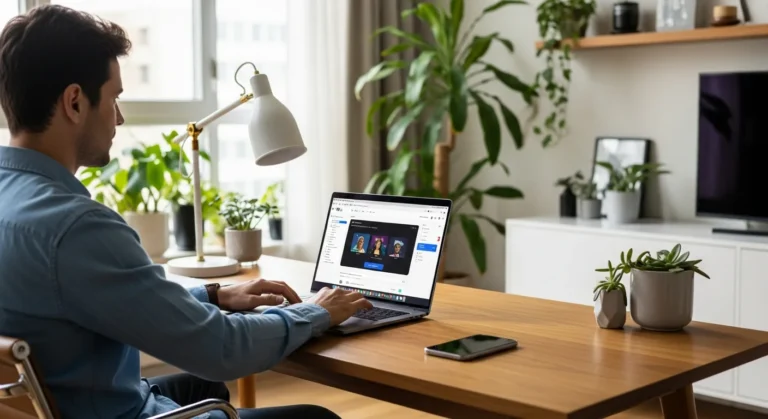
For entrepreneurs working from home, optimizing his space with functional bedroom office ideas ensures he looks professional during every call. A clean environment paired with the right online meeting platforms can make a significant difference in how clients perceive a brand’s authority and attention to detail.
Zoom: The Versatile Choice
Zoom remains a top contender for the best video conferencing app for small business. Its ease of use and “one-click” join functionality make it a favorite for those who don’t want to troubleshoot technical issues mid-meeting. Even the free video conferencing apps provided by Zoom offer robust features for shorter sessions, though power users will prefer the paid tiers for unlimited time and advanced AI summaries.
Microsoft Teams: The Ecosystem Powerhouse
If a business relies heavily on the Microsoft 365 suite, Teams is arguably the best meeting app for that specific workflow. It integrates perfectly with calendars, documents, and chat, allowing a manager to keep his entire project lifecycle within one ecosystem. It is a comprehensive solution for those who want to minimize the number of separate tools they use while maximizing productivity.
Google Meet: The Browser-Based King
For teams that live in Google Workspace, Meet provides a frictionless experience. There is no software to download, making it a strong candidate when considering what is the best video conferencing for small business for those who frequently host external guests who may not have specific apps installed on their devices.
Essential Video Conferencing Systems for Small Business Hardware
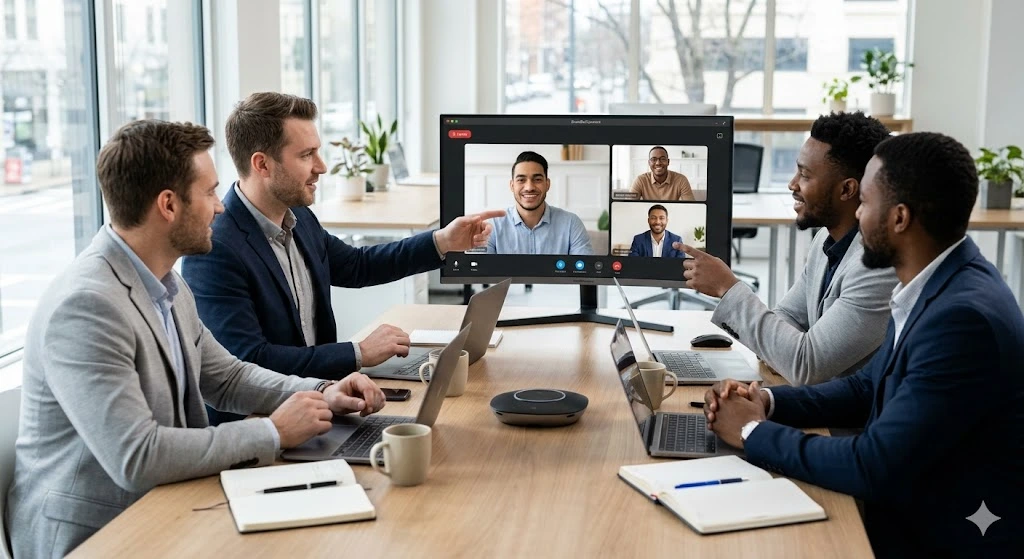
Software is only half the battle. To truly stand out, you need the best video conferencing equipment for small business. A grainy 720p webcam is no longer acceptable in a professional environment. High-definition 4K cameras and noise-canceling microphones are now standard video conferencing systems for small business setups that want to convey success and reliability.
Those pursuing the highest paying jobs in technology understand that mastering these platforms and having a high-end physical setup is a non-negotiable skill. Investing in professional-grade lighting and audio ensures that when a professional hosts video conferences, his message is delivered without distraction or technical interference.
Is it Best Video Conferencing Tools for Small Businesses?
Many owners wonder, is it best video conferencing tools for small businesses to stay with free versions or upgrade to paid tiers? While free video conferencing apps are excellent for startups, the paid versions of the best video conferencing software for small business provide essential security features, longer meeting durations, and cloud recording capabilities that are vital as a company scales and its needs become more complex. Upgrading ensures that the business owner has full control over his data and the quality of the user experience.
Frequently Asked Questions
What is the best video conferencing for small business in 2026?
The best option currently is a choice between Zoom for its user-friendliness and Microsoft Teams for its deep integration with business productivity suites. Both offer 4K support and AI-driven noise cancellation as standard features.
What equipment do I need for professional video conferences?
At a minimum, a professional should invest in a 1080p or 4K webcam, a dedicated USB microphone, and a ring light to ensure he is seen and heard clearly by his clients and team members.
Are there reliable free video conferencing apps for small businesses?
Yes, Google Meet and Zoom both offer free tiers that are highly reliable for small teams, though they often come with time limits on group calls that may interrupt longer business discussions.